AI Sway Dance
Turn one adult photo into a dance video with hands behind the head and a relaxed hip sway.
8-second dance reference · 20 credits per generation
Dance reference
Make your dance video
Use a clear, front-facing full-body photo of one adult, showing the hands and shoes with room to move.
Choose a photo and a dance.
Only you can view your photos and videos.
How to make an AI Sway Dance video
Upload one photo
Choose a clear photo of one adult. A near-front full-body view with room above the head and around the arms works best.
Check your photo
Check the photo preview and any tips on the page. Sign in, tick the age and permission agreement, then click Generate. You can replace the photo before generating.
Generate and download
Submit the generation for 20 credits. Follow its status in My Creations and download the video when it is ready.
AI Sway Dance price
This template uses a complete 8-second dance reference and currently costs 20 credits per generation. The creator shows the exact cost before submission.
Try: USD 4.99 for 40 credits. This dance uses 20 credits per generation.
You can use your available balance or purchase a credit pack. Credit packs can also be used for other available dance templates.
View credit packs| Pack | Credits | Pack price |
|---|---|---|
| Try | 40 | USD 4.99 |
| Create | 100 | USD 11.99 |
| Creator | 200 | USD 21.99 |
Dance illustration
A relaxed sway in three moves
From a natural standing pose to raised arms and a gentle hip sway. See how the poses fit together.
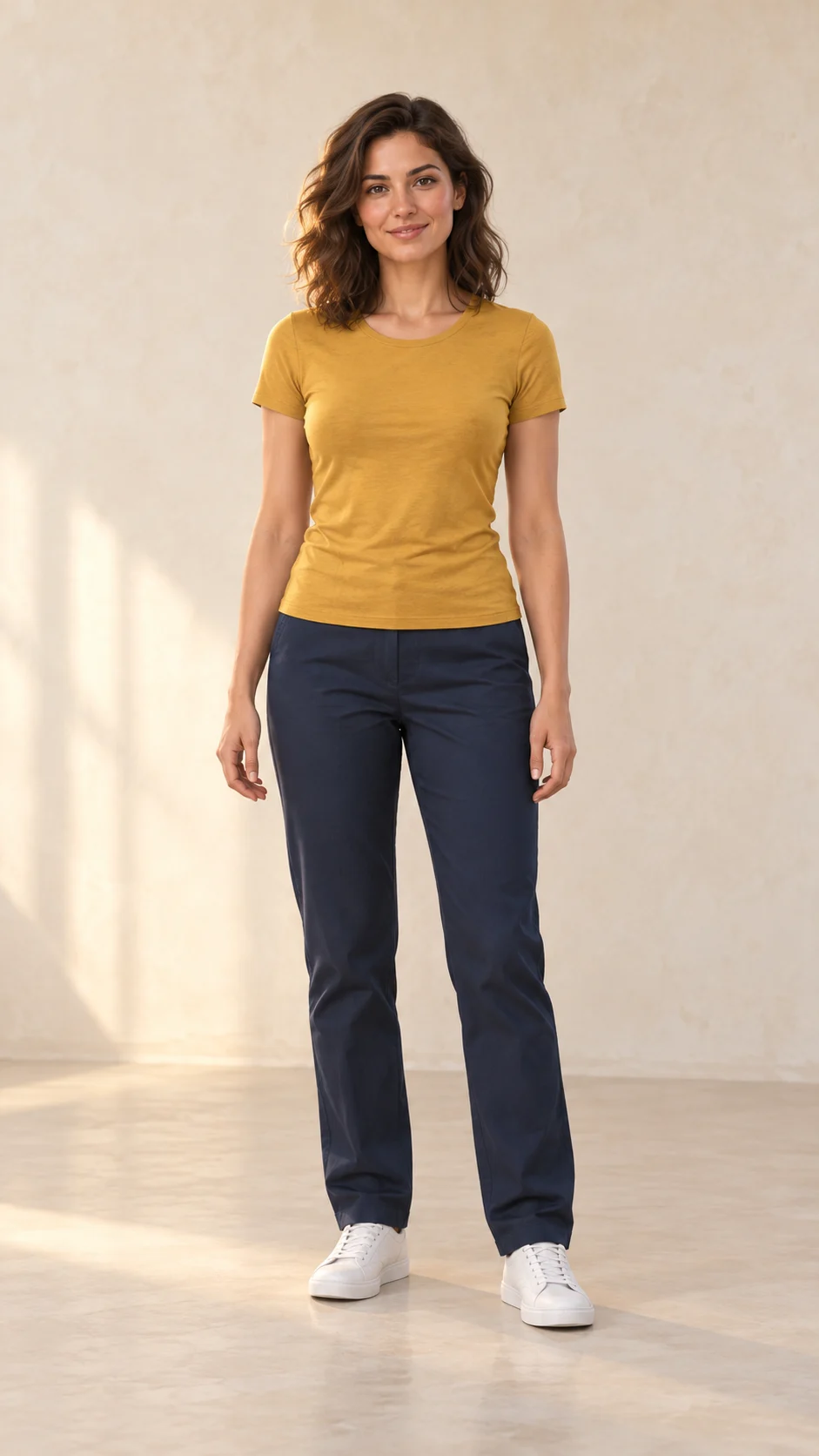
Start standing
Face forward with a relaxed posture and room around both arms.
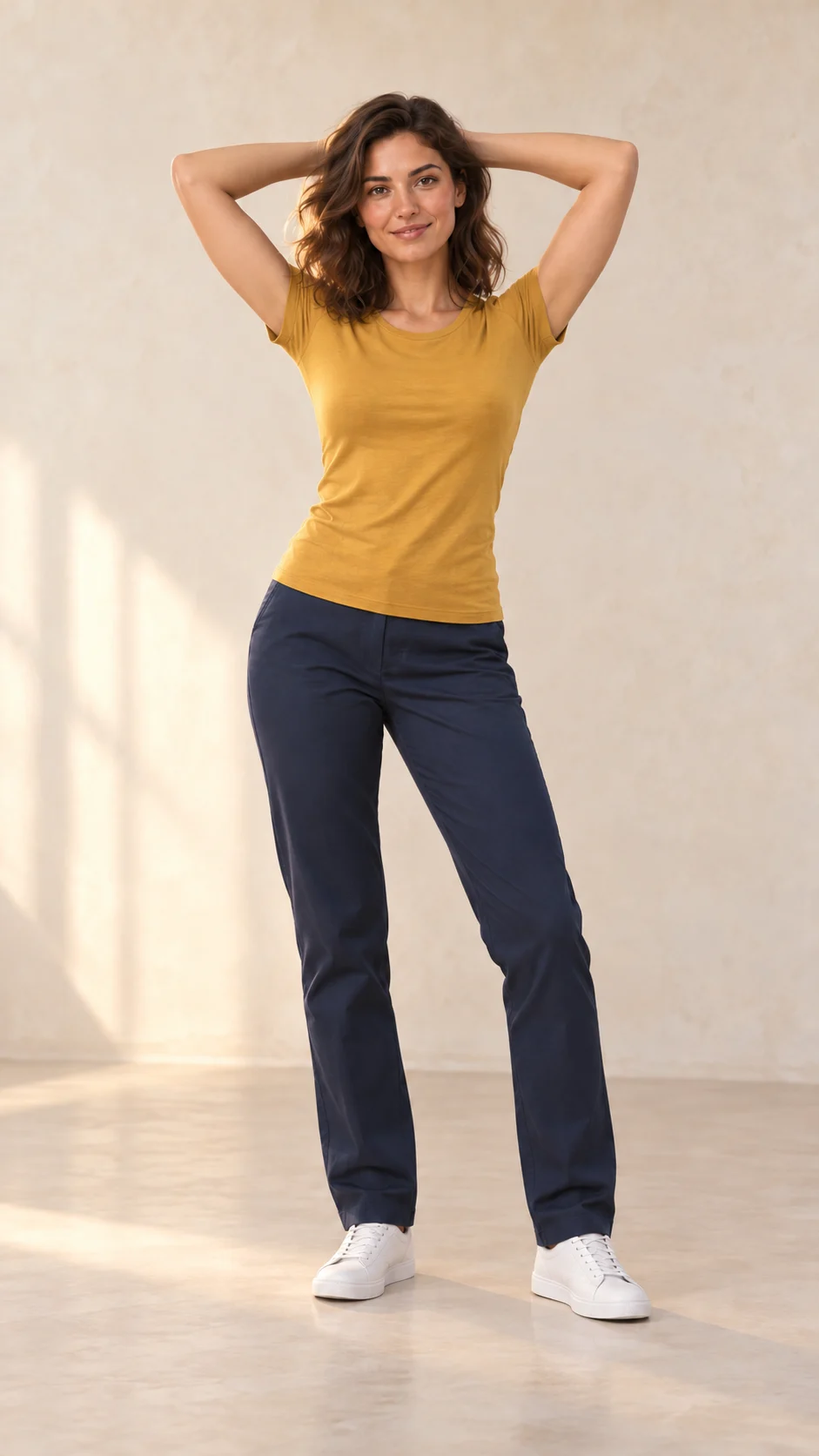
Lift your arms
Bring both hands behind your head and open the elbows naturally.
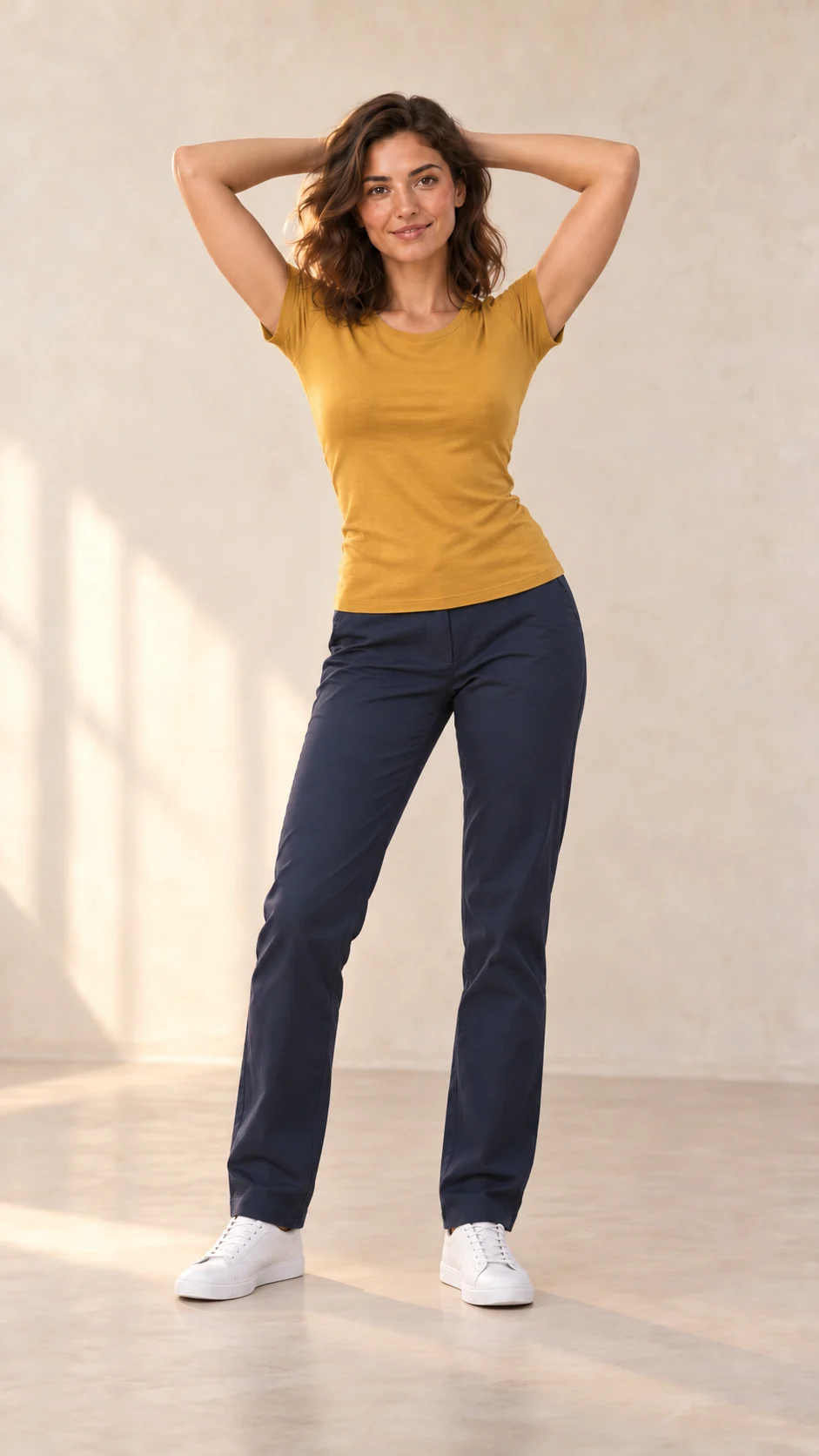
Sway with the rhythm
Shift your hips from side to side with a soft bend at the knees.
Choose a photo with room to sway
A clear, upright, near-front full-body photo leaves room for the arms and hip movement. You do not need to start with your hands behind your head.
Read the photo guide- Choose one adult person and a photo you have permission to use.
- Keep the face, head, arms, hips, knees and feet visible where possible.
- Leave space above the head and on both sides of the arms.
- Choose even lighting, a clear face and a simple background.
AI Sway Dance questions
What is the AI sway dance effect?
AI sway dance combines a relaxed standing start, hands placed behind the head and side-to-side hip movement. The open elbows and gentle knee bend give this style its recognizable rhythm.
What photo should I choose?
Choose a clear, near-front full-body photo of one adult. Keep the face and body easy to see, with space around the arms and above the head.
Do I need to pose with my hands behind my head?
No. A natural standing photo is a good starting point. The hands-behind-head pose describes the dance, so you can choose a photo with your arms relaxed at your sides.
How do I create an AI Sway Dance video?
Upload a JPEG, PNG or WebP photo up to 10 MB and sign in. Check the photo preview, tips and displayed credit cost, tick the age and permission agreement, then click Generate. Track the task and download the completed video in My Creations.
How much does AI Sway Dance cost?
The complete 8-second dance reference costs 20 credits per generation. The same cost is shown in the creator before you submit. Use your available balance or purchase a credit pack on the pricing page.
How is AI Sway Dance different from K-Pop Sway?
AI Sway Dance focuses on a hands-behind-head hip sway. K-Pop Sway features hand gestures and broader arm movements. Compare the dance styles to find the one you prefer.